
Reviews|
Gizmo Watch 3 Review: Is Verizon's Kids Smartwatch Worth It in 2026?
Our honest Gizmo Watch 3 review after real-world testing. GPS tracking, video calling, and 5MP camera -- but is the Verizon lock-in worth it? Full breakdown.
After 10 weeks of real-world testing, here's our honest Fitbit Ace LTE review. Gamified fitness, GPS tracking, battery life, and whether the Ace Pass subscription is worth it.
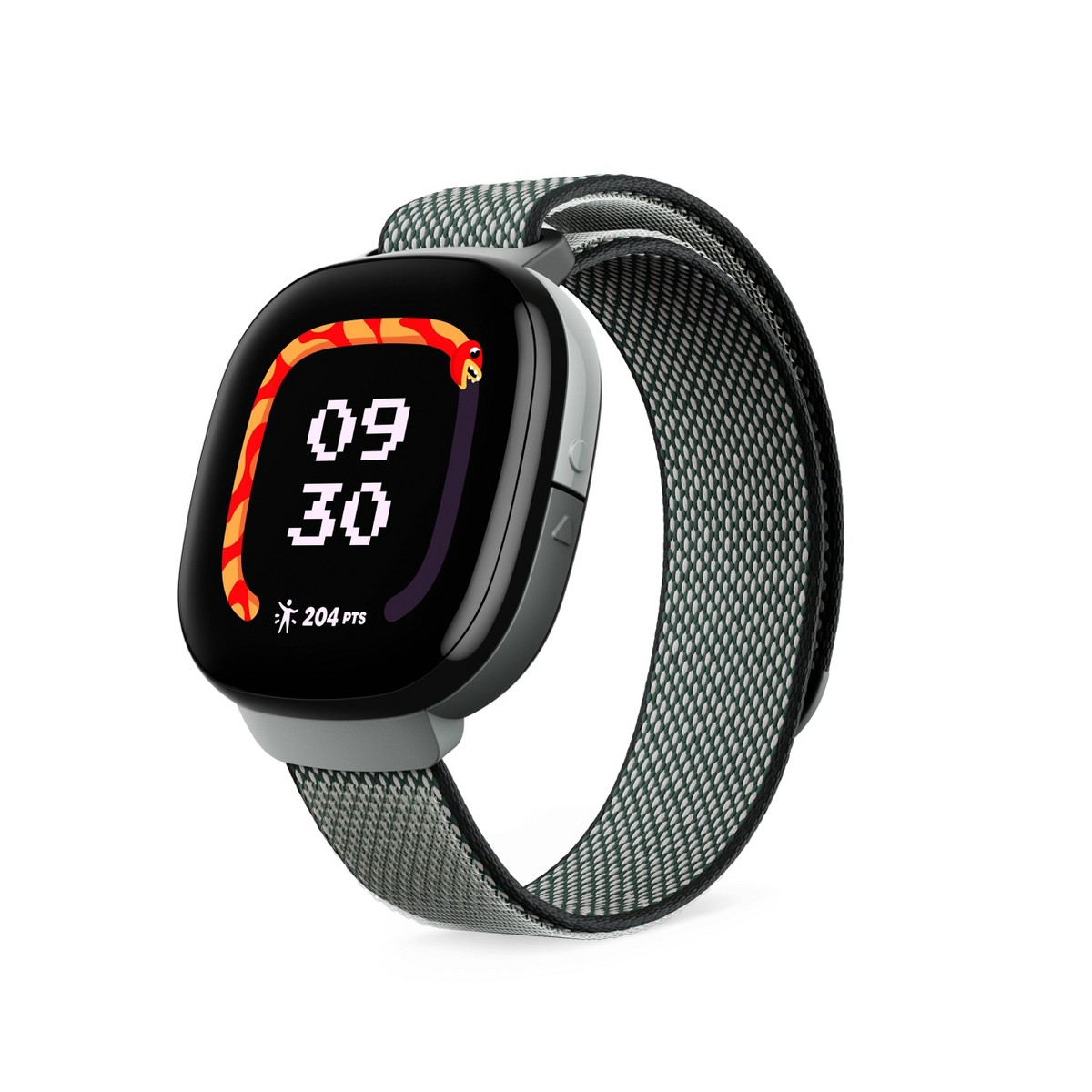
Fitbit Ace LTE
$229.95· 3.8/5 rating
Affiliate Disclosure: This article contains affiliate links. If you purchase through our links, we may earn a small commission at no extra cost to you. This helps support our site and allows us to keep testing products for families like yours. All opinions are 100% our own -- we bought the Fitbit Ace LTE with our own money and have no sponsorship relationship with Google or Fitbit.
I will save you some scrolling if you are short on time: the Fitbit Ace LTE is the most compelling fitness-first kids smartwatch on the market. Google and Fitbit poured serious engineering into this thing. The OLED display is legitimately gorgeous. The gamified fitness features -- Fitbit Arcade, Bit Valley, movement-based challenges -- actually get kids off the couch. The 5 ATM water resistance means it handles pools, showers, and mud puddles without flinching. And running Wear OS on a Snapdragon W5 chip, this is by far the most powerful hardware in the kids smartwatch category.
But here is the thing. After ten weeks of daily use on our 8-year-old tester's wrist, I also discovered that the Fitbit Ace LTE has some genuinely frustrating limitations that parents need to know about before spending $230 plus a monthly subscription. The battery life is the weakest in its class -- we are talking 16 hours on a good day, which barely covers school plus afterschool activities. There is no camera, which means no video calling, no photo taking, nothing. And the required Ace Pass subscription at $9.99 per month pushes the total cost of ownership well past competitors that arguably offer more features.
The Fitbit Ace LTE is a fantastic watch for the right family. But "the right family" is narrower than Google's marketing would have you believe. Let me walk you through every detail so you can figure out if your family fits.
Before we go deep, here is a quick reference table covering the core hardware specifications.
| Spec | Details |
|---|---|
| Display | Color OLED, 333 ppi, DCI-P3 color gamut, ~40mm round |
| Glass | Corning Gorilla Glass 3 |
| Processor | Qualcomm Snapdragon W5 |
| RAM / Storage | 2 GB RAM / 32 GB storage |
| Connectivity | 4G LTE, Wi-Fi 2.4 GHz, Bluetooth 5.0, NFC |
| Camera | None |
| GPS | GPS/GNSS, Google-powered location services |
| Battery | 328 mAh; 16+ hours typical use |
| Charging | Fast charging (30 min = ~60%) |
| Water Resistance | 5 ATM / 50 meters (swim-proof) |
| Sensors | Heart rate, accelerometer, altimeter, gyroscope |
| Contacts | Up to 20 approved contacts |
| OS | Wear OS |
| Target Age | 7+ years |
| Included Accessories | Protective bumper case |
| Price | $229.95 |
| Monthly Plan | $9.99/mo or $119.99/yr (Ace Pass) |
Two things immediately stand out on the spec sheet. First, the Snapdragon W5 processor with 2 GB of RAM and 32 GB of storage is wildly overpowered for a kids watch -- this is adult smartwatch hardware, and the performance shows. Second, the 328 mAh battery is small, significantly smaller than the TickTalk 4's 750 mAh. Google is betting that efficient hardware and fast charging compensate for the smaller battery. As I will explain later, that bet only partially pays off.
Google packages the Fitbit Ace LTE in a compact, colorful box that feels distinctly more premium than what I have seen from other kids watch brands. Inside you get:
There is no SIM card to install. Like the Garmin Bounce, Google manages the LTE connectivity directly through the Ace Pass subscription, which you activate during setup. No carrier store visits, no compatibility headaches, no tiny SIM tray tools to lose.
Important: The Fitbit Ace LTE requires an Android phone for setup and management. The Fitbit Ace app is only available on Android -- there is no iOS version. If you are an iPhone-only household, the Ace LTE is not an option for your family. You need at least one Android phone to set up and manage the watch.
Also note: The Fitbit Ace LTE is currently only available in the United States (excluding Alaska and US territories). If you are outside the US, this watch is not available for purchase or activation.
Setup took me about 25 minutes. You download the Fitbit Ace app on your Android phone, create a Google account for your child (or link an existing one), pair the watch via Bluetooth, activate the Ace Pass subscription, and configure contacts and safety settings. The process is polished -- this is Google, and they know how to design a setup flow -- but it took slightly longer than the Garmin Bounce (about 15 minutes) because there are more features to configure. You are setting up approved contacts, customizing the watch face, configuring location sharing, setting up school mode schedules, and more.
One note on the Google account requirement: your child needs a Google account managed through Family Link. If your family already uses Google's ecosystem for parental controls, this is seamless. Since the Fitbit Ace app is Android-only, iPhone households will need access to an Android device for setup and ongoing management. For a broader look at setup tips across all brands, our how to set up a kids smartwatch guide covers the common pitfalls.
The Fitbit Ace LTE is an attractive watch. I mean that without qualification -- it looks and feels like a premium piece of tech, not a toy strapped to a kid's wrist.
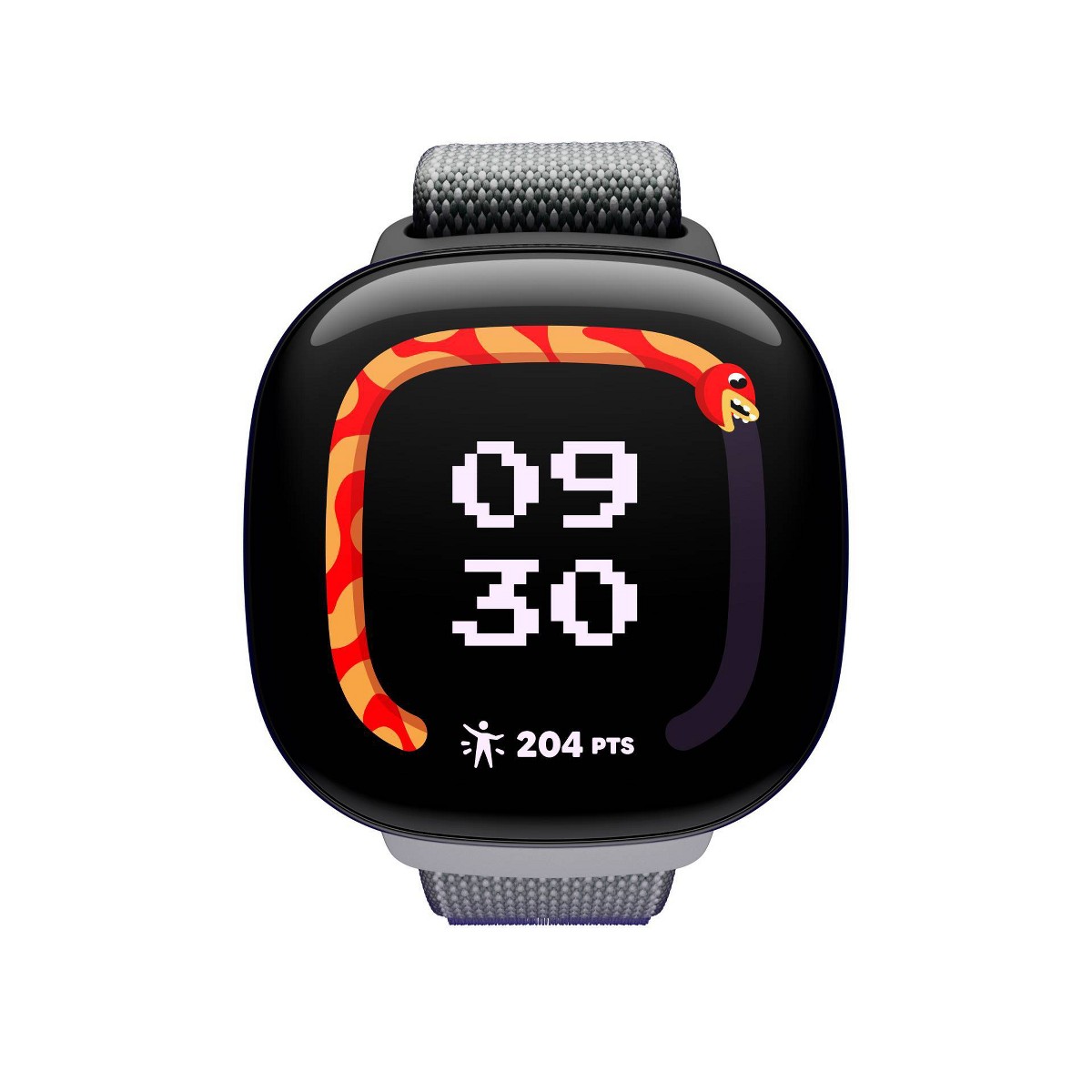
The round ~40mm case has a sleek, modern design that would not look out of place on an adult. Our tester got compliments from other parents and kids alike during the testing period, which is not something I have experienced with other kids watches.
The display is the star of the show. The color OLED panel at 333 ppi with DCI-P3 color gamut is, by a considerable margin, the best screen on any kids smartwatch I have tested. Colors are vivid and saturated. Text is razor sharp. The contrast is that deep, inky OLED black that makes everything pop. Comparing it side by side to the Garmin Bounce's 1.3-inch LCD or the TickTalk 4's 1.4-inch IPS panel is like comparing a 4K TV to a hotel room screen. It is not subtle.
This matters because the Fitbit Ace LTE's core experience -- the Fitbit Arcade games, the Bit Valley virtual world, the animated watch faces -- is visual. The OLED display makes those experiences feel genuinely delightful rather than pixelated and compromised. Our tester actively chose to look at his watch, which is exactly what Google wants when the whole thesis is gamifying fitness.
Corning Gorilla Glass 3 protects the display, and after ten weeks, our review unit has zero scratches. Not faint ones. Zero. This is the most scratch-resistant screen I have tested on a kids watch. Given that kids' wrists hit tables, playground equipment, door frames, and each other roughly 400 times per day, that durability is meaningful.
The included protective bumper case wraps around the watch body and adds impact protection without looking bulky or ridiculous. Our tester wore the bumper full-time, and it survived several direct impacts against concrete, a metal playground pole, and one incident I will describe as "aggressive interaction with a shopping cart." The watch inside was pristine. If your kid is particularly rough on gear, the bumper is a genuinely valuable inclusion rather than an afterthought accessory.
Weight is moderate. With the bumper case, the Ace LTE is lighter than the TickTalk 4 (56g) and the Xplora X6Play (58g) but heavier than the remarkably light Garmin Bounce (37g). Our 8-year-old tester wore it comfortably all day with no complaints, but I would want to try it on a smaller-wristed 7-year-old before committing.
The silicone band is soft, breathable, and kid-friendly. Our tester could put the watch on and take it off independently from day one, which is always my baseline comfort test. The band has not caused any skin irritation, even during sweaty summer days.
This is why the Fitbit Ace LTE exists, and it is the single feature that separates it from every other kids smartwatch on the market.
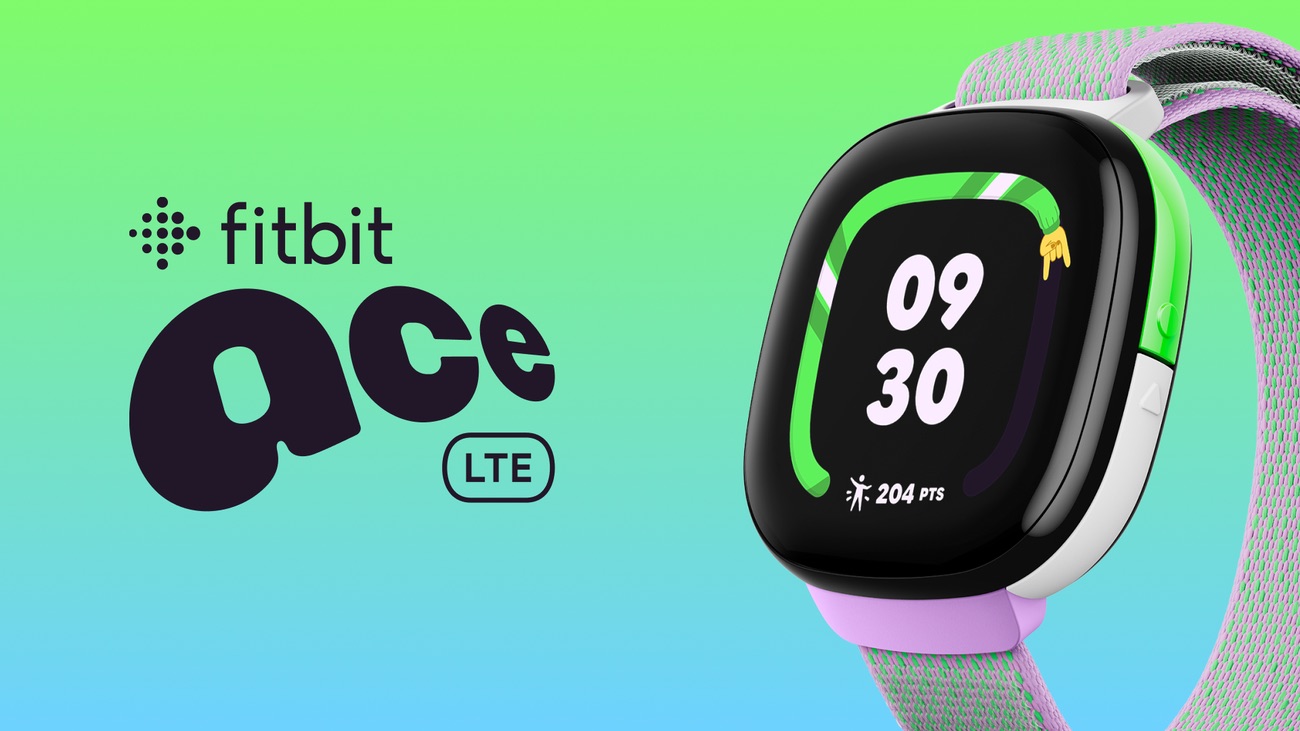
Google did not just add a step counter and call it fitness tracking. They built an entire ecosystem designed to make physical activity feel like playing a video game. And -- I cannot believe I am writing this -- it actually works.
Fitbit Arcade is a collection of movement-based games that run directly on the watch. These are not "shake your wrist to score points" games. They are genuinely engaging mini-games where your child's real-world movement controls the gameplay. Run faster and your character runs faster. Jump and your character jumps. The games are colorful, responsive (thanks to the Snapdragon W5), and varied enough that our tester did not get bored over ten weeks.
The games are clever because they are fundamentally exercise disguised as entertainment. Our tester would come inside sweating and out of breath after "playing games on his watch" in the backyard. He ran sprints, did jumping jacks, and danced around the yard because the watch told him to -- and he thought he was playing, not exercising. That is exactly the design intent, and it works brilliantly.
Bit Valley is a virtual world that lives on the watch and in the companion app. Your child's avatar progresses through this world by earning "Noodles" (the in-game currency) through physical activity. More steps, more active minutes, more Noodles. More Noodles means new items, new areas to explore, and new characters to interact with. It is essentially a Tamagotchi powered by real-world movement, and the engagement loop is strong.
Over the ten-week testing period, our tester's average daily active minutes increased from about 50 to over 80. He voluntarily went outside more. He asked to walk to places instead of being driven. He started doing laps around the house to "earn more Noodles." I have never had a piece of technology produce this effect. Every other device in our test kids' lives makes them more sedentary. The Fitbit Ace LTE is the first one that consistently made a test kid more active.
Heart rate tracking adds another layer. The watch has a continuous heart rate sensor, and kids can see when their heart rate goes up during activity. Our tester became fascinated by watching his heart rate spike during sprints and recover during rest. Is it medically precise? No. Is it a useful teaching tool for helping kids understand the connection between movement and their body? Absolutely yes.
Compared to the Garmin Bounce's fitness features: Garmin's active minutes, step challenges, and adventure trails are good. But the Ace LTE's gamification is on another level entirely. The Garmin approach is "earn points and unlock things." The Fitbit approach is "play actual games that require you to move." For kids who are already active and self-motivated, Garmin's system is great. For kids who need a nudge to get off the couch -- which, let's be honest, is most kids -- the Fitbit Ace LTE's approach is more effective. Our best fitness trackers for tweens guide covers more options in this space.
The Fitbit Ace LTE uses GPS/GNSS with Google-powered location services, and the results are solid if not quite best-in-class.
I ran my standard accuracy tests across several environments over the first three weeks.
Outdoors, open sky: Location accuracy was consistently within 5 to 12 meters. This is good -- comparable to the TickTalk 4 and Xplora X6Play, though the Garmin Bounce with its multi-GNSS system (GPS + GLONASS + Galileo) still edges it out with 3 to 8 meter accuracy.
Suburban neighborhood: Accuracy ranged from 8 to 20 meters. The Google-powered location services blend GPS with Wi-Fi positioning seamlessly, and the watch maintained a reliable lock even on tree-lined streets. Position updates were consistent without the sudden jumps or drift I have seen on some competitors.
Indoor (school building): GPS falls back to Wi-Fi and cell tower positioning indoors, placing our tester within the correct building but with 30 to 50 meter precision. Standard for the category.
Moving vehicle: Location tracking while driving remained reasonably accurate, updating every few seconds and tracing our route cleanly on the map. Google's location services shine here -- they have more data about Wi-Fi access points and cell towers than anyone, and that supplementary data helps maintain accuracy when pure GPS signal is obstructed.
Geofencing works well. The Ace app lets you define safe zones and sends push notifications when the watch enters or exits them. Alerts typically arrived within 1 to 2 minutes of the actual boundary crossing. Over ten weeks, I had no missed alerts and only a handful that were delayed beyond 3 minutes.
For a comprehensive comparison of GPS watches, our best GPS smartwatches for kids guide ranks all the top options.
The Fitbit Ace LTE supports up to 20 parent-approved contacts. All contacts are managed through the Ace app -- your child cannot add or modify contacts from the watch. This is the right approach for the target age range.
Voice Calls: The watch supports two-way voice calling over LTE. Call quality is clear, the speaker is loud enough for use in moderately noisy environments, and calls connect reliably over 4G. Our tester used it to call after school, check in during playdates, and make the occasional "when are you coming home" call that every parent knows well. Calls are limited to approved contacts only -- no inbound calls from unknown numbers.
Text Messaging: The watch supports preset text replies and emoji. Your child can respond to messages using quick replies you configure in the app, or send emoji reactions. There is no free-form text input, which makes sense given the screen size and target age. I set up about 15 quick replies and that covered the vast majority of situations.
What is missing: No camera. No video calling. This is the Fitbit Ace LTE's most significant omission and the feature gap that will immediately disqualify it for some families. There is no front-facing camera, no rear camera, nothing. You cannot see your child's face during a call. Your child cannot take photos. There is no way to add this capability -- it is a hardware limitation.
For families where video calling is a priority, this is a dealbreaker. The TickTalk 4 remains the undisputed champion for video calling. But for families who view a camera on a kids watch as unnecessary or even undesirable -- and there are legitimate reasons to prefer a camera-free device, particularly for school compliance and reduced screen-time temptation -- the Ace LTE's camera-free design is actually a feature, not a bug.
SOS / Call for Help Feature: A long press on the side button triggers the "Call for Help" feature. Important: this does NOT call 911 or any emergency services. Instead, it contacts your family members in a specific order -- the Family Manager first, then other parents/guardians in the family group, and finally any designated emergency contacts. The watch sends its current GPS location along with the alert. I tested this twice and the alert arrived on my phone within seconds both times. The implementation is clean and reliable, but parents should understand that this is a family contact feature, not a direct line to emergency responders. For more on how SOS and other safety features work across different watches, check our kids smartwatch safety features guide.
The Fitbit Ace LTE is rated at 5 ATM, which means it is safe for swimming in pools and open water down to a pressure equivalent of 50 meters. This is the real deal -- not "splashproof," not "rain-resistant," but genuinely swim-proof.
Our tester wore the Ace LTE in the pool during swim practice four times, in the shower daily (because getting an 8-year-old to take off a watch he loves is a battle not worth fighting), and through multiple backyard sprinkler sessions. Zero issues. The watch performed exactly as if it had never been wet.
At 5 ATM, the Fitbit Ace LTE matches the Garmin Bounce for the best water resistance in the kids smartwatch category. Both are substantially more waterproof than the TickTalk 4 (IPX7 -- splashproof only) and the Xplora X6Play (IP68 -- submersible briefly but not designed for swimming). If your child swims, does water sports, or is simply the type of kid who ends up soaking wet on a regular basis, the Ace LTE and Garmin Bounce are your only two truly safe options. Our best waterproof smartwatches for kids guide has a full breakdown of water resistance ratings and what they actually mean in practice.
Here is where the Fitbit Ace LTE falls short, and I am not going to sugarcoat it. The 328 mAh battery delivers about 16 hours of typical use. That is the weakest battery life of any kids smartwatch I have tested, and it creates real-world problems.
Typical daily use (LTE active, GPS tracking, occasional calls and messages, some Fitbit Arcade games, heart rate monitoring): The watch lasted 14 to 17 hours consistently. Put the watch on at 7 AM and it would be at 5 to 15 percent by 9 or 10 PM. On most days, it survived. But there was zero margin.
Heavy use days (extended Fitbit Arcade sessions, multiple calls, continuous GPS tracking during activities): The watch died by early evening. We had two occasions where it ran out of battery before our tester got home from afterschool activities. For a device that serves a safety function -- GPS tracking, SOS alerts -- dying at 5 PM on a busy day is a genuine problem.
Light use days (school mode for most of the day, minimal interaction): The watch could stretch to about 20 hours. Still needed nightly charging.
The fast charging partially redeems this. Thirty minutes of charging gets you from dead to roughly 60 percent, which is enough for a half day. We developed a routine of popping the watch on the charger during homework time (about 45 minutes) and that gave us enough juice to make it through the evening. But "plan your day around charging windows" is not a ringing endorsement.
For context: The Garmin Bounce lasts 1.5 to 2 days. The TickTalk 4 lasts 1 to 1.5 days. The Xplora X6Play lasts 1 to 1.5 days. The Fitbit Ace LTE's 16-hour battery is substantially worse than all of them. If your child has a long day -- early morning bus, school, afterschool activities, evening sports -- the Ace LTE may not make it without a mid-day charge. That is a meaningful limitation.
My recommended routine: Charge every single night without exception. Consider a supplementary charge during homework or dinner. And if your child will be away for an overnight without their charger, plan accordingly because this watch will not last two days under any usage pattern.
The Fitbit Ace LTE requires an Ace Pass subscription for its core features. Without the subscription, you have a $230 fitness tracker that tells time and counts steps. With the subscription, you unlock LTE connectivity, GPS tracking, calling, messaging, Fitbit Arcade, Bit Valley, and all the features that make this watch worth buying.
Pricing:
| Plan | Cost | Effective Monthly |
|---|---|---|
| Monthly | $9.99/month | $9.99 |
| Annual | $119.99/year | ~$10.00 |
Unlike the Garmin Bounce's plan, the annual option does not offer a meaningful per-month discount. You save essentially nothing by committing to a year. That feels stingy.
Total cost of ownership:
| Timeframe | Fitbit Ace LTE | Garmin Bounce | TickTalk 4 | TickTalk 5 |
|---|---|---|---|---|
| Watch | $229.95 | $149.99 | $179.99 | ~$159.99 |
| Year 1 Plan | $119.88-$119.99 | $99.99-$119.88 | $119.40-$179.40 | $119.40-$179.40 |
| Year 1 Total | $349.83-$349.94 | $249.98-$269.87 | $299.39-$359.39 | $279.39-$339.39 |
| Year 2 Total | $469.82-$469.93 | $349.97-$389.75 | $418.79-$538.79 | $398.79-$518.79 |
The Fitbit Ace LTE is the most expensive option in Year 1 at nearly $350, and the gap widens over time. You are paying a premium for the OLED display, the Snapdragon W5 hardware, and the gamified fitness ecosystem. Whether that premium is justified depends entirely on whether your family will use the fitness features that differentiate it. For a deeper dive into what monthly plans cost across all the major kids watches, our kids smartwatch monthly plans compared guide has the full breakdown.
The Fitbit Ace companion app (available on Android only) is where parents manage contacts, location settings, school mode, and monitor their child's activity. Google built this from the ground up for the Ace LTE, and the quality shows.
Setup and daily use are smooth. The interface is clean, modern, and responsive. Maps load quickly. Activity data is presented in colorful, easy-to-read charts. Push notifications for geofence alerts and SOS arrive promptly. Configuration options are well-organized and intuitive.
Activity monitoring is a standout. You can see your child's steps, active minutes, heart rate trends, sleep data, and Fitbit Arcade activity all in one place. The data is more detailed and more visually engaging than what Garmin or TickTalk offer in their parent apps. If fitness tracking is a priority, this is the best parent app experience available.
What I did not love: The app is Google account-centric, which means managing your child's Google Family Link settings alongside the Ace app can feel fragmented. Some settings live in the Ace app, some live in Family Link, and it is not always obvious which app controls what. Google needs to unify this experience. Also, while the app is polished, it is relatively new compared to Garmin Jr., and the occasional minor bug appeared during my testing -- nothing critical, but a location history view failed to load twice, and notifications for one geofence inexplicably stopped for about a day before resolving on their own.
Here is the honest list of issues after ten weeks.
The battery life is genuinely problematic. Sixteen hours is not enough for a kids safety device. A watch that might die before your child gets home from afterschool activities is a watch that cannot be fully relied upon for GPS tracking and SOS when you need it most. Every competitor does better here.
The price is the highest in the category. At $229.95 plus $9.99 per month, the Ace LTE is the most expensive kids smartwatch to buy and one of the most expensive to operate. You need to really value the fitness gamification to justify this premium over alternatives.
No camera eliminates video calling. I understand the design rationale -- fewer distractions, better school acceptance, simpler privacy model. But video calling is an increasingly standard feature in this category, and many families consider it essential. You cannot add what the hardware does not have.
The Ace Pass subscription feels mandatory. Without it, you own an expensive fitness band. The watch should offer more standalone functionality for the $230 price tag. At minimum, Bluetooth-synced GPS tracking (like the Garmin Bounce offers without a plan) would make the no-subscription experience more reasonable.
Twenty approved contacts is lower than competitors. The TickTalk 4 supports 50 contacts. For most families with a young child, 20 is enough. But larger families, families with shared custody arrangements, or kids with extensive extracurricular circles might bump into this limit.
The watch requires an Android phone and a Google account for your child. The Fitbit Ace app is Android-only -- there is no iOS version. If your family uses iPhones exclusively, the Ace LTE is simply not an option. Even if you have an Android phone available, you are also buying into Google's Family Link management platform, which adds complexity for families not already in the Google ecosystem.
US-only availability. The Fitbit Ace LTE is currently only sold in the United States (excluding Alaska and US territories). International families are out of luck.
The Fitbit Ace LTE is the right choice if:
Consider alternatives if:
Here is how the Ace LTE stacks up against the other premium kids smartwatches I have tested.
| Feature | Fitbit Ace LTE | Garmin Bounce | Apple Watch SE | TickTalk 5 |
|---|---|---|---|---|
| Price | $229.95 | $149.99 | ~$249-$299 | ~$159.99 |
| Display | OLED (best in class) | 1.3" LCD | OLED | 1.4" IPS |
| GPS Accuracy | Good | Excellent | Good | Good |
| Battery Life | ~16 hours | 1.5-2 days | ~18 hours | 1-1.5 days |
| Water Resistance | 5 ATM (swimproof) | 5 ATM (swimproof) | 5 ATM (swimproof) | IPX7 (splashproof) |
| Voice Calls | Yes (4G) | No | Yes | Yes (4G) |
| Video Calls | No | No | No (FaceTime audio only) | Yes |
| Camera | None | None | None | 5MP |
| Fitness Tracking | Excellent (Fitbit Arcade) | Excellent (Garmin Jr.) | Good (Apple Fitness) | Basic |
| Monthly Plan | $9.99/mo (required) | $9.99/mo (optional for core) | Carrier-dependent | $9.95-$14.95/mo |
| Best For | Fitness-focused families | GPS accuracy, durability | Apple ecosystem families | Video calling families |
The Fitbit Ace LTE occupies a unique position: it is the best at gamified fitness by a wide margin, has a premium display that no competitor matches, and delivers solid swim-proof water resistance. But it trails the Garmin Bounce on battery life and GPS, and it cannot match the TickTalk 5 for communication features. The Apple Watch SE is the closest competitor in terms of hardware quality and ecosystem integration, but costs even more and requires an iPhone in the family.
Rating: 7.5 / 10
The Fitbit Ace LTE is the most ambitious kids smartwatch on the market. Google and Fitbit brought genuine engineering talent to a category that has historically been filled with mediocre hardware and half-baked software. The OLED display is beautiful. The gamified fitness ecosystem is the best I have ever tested -- it actually makes kids want to be active, and I do not say that about many products. The 5 ATM water resistance and Gorilla Glass 3 durability mean this watch is built to survive real kid life. And running Wear OS on a Snapdragon W5, the performance is buttery smooth in a way that makes competing watches feel sluggish.
But ambition without balance creates gaps. The 16-hour battery life is a genuine weakness that undermines the watch's reliability as a safety device. The $230 price tag plus required $10 per month subscription makes this the most expensive option in the category. And the lack of a camera -- while a deliberate choice that some families will prefer -- eliminates video calling, which is increasingly a table-stakes feature for kids smartwatches.
The Fitbit Ace LTE is the right watch for active families who prioritize fitness motivation over video calling, who can build a daily charging routine, and who are willing to pay a premium for the best display and most engaging fitness experience in the kids smartwatch market. For those families, it is genuinely excellent. For everyone else, the Garmin Bounce offers better value and battery life, and the TickTalk 4 offers the communication features that the Ace LTE lacks.
See where the Fitbit Ace LTE ranks in our best kids smartwatches for 2026 roundup, or check our best GPS smartwatches for kids guide for the full breakdown.
Check the current price on Amazon
Check our current deals and prices page for the latest discounts on kids smartwatches.
Yes, the Fitbit Ace LTE requires an Ace Pass subscription at $9.99/month or $119.99/year for LTE, GPS tracking, calling, Fitbit Arcade games, and Bit Valley -- without it, the $230 watch only counts steps and tells time.
The Ace Pass subscription is required for all core connected features. Without the subscription, the watch functions as a basic fitness tracker -- step counting, heart rate monitoring, and time-telling work, but the features that justify the $230 price tag are locked behind the Ace Pass. There is no free trial included, so the subscription cost begins immediately.
No, the Fitbit Ace LTE has no camera at all, so video calling is not possible -- it only supports audio voice calls and text messaging to approved contacts.
The watch does not have a camera, so video calling is not an option. The watch supports voice calls and text messaging to approved contacts, but all calls are audio-only. If video calling is important to your family, the TickTalk 4 is the best option in the kids smartwatch category, with a 5MP front camera and reliable video call quality.
Yes, the Fitbit Ace LTE is rated 5 ATM (swim-proof to 50 meters), making it one of only two kids smartwatches alongside the Garmin Bounce that are truly safe for pool and open-water swimming.
The 5 ATM rating means it is safe for swimming in pools and open water to a pressure equivalent of 50 meters. Our tester wore it to swim practice multiple times and in the shower daily with zero issues. This puts it in the top tier of water resistance alongside the Garmin Bounce, and well ahead of the TickTalk 4 (IPX7) and Xplora X6Play (IP68), which should not be worn in the pool. For more swim-safe options, see our best waterproof smartwatches for kids guide.
The Fitbit Ace LTE lasts 14-17 hours on a typical day -- the shortest battery life of any kids smartwatch we have tested, requiring nightly charging without exception.
In my real-world testing, the Ace LTE lasted 14 to 17 hours with LTE active, GPS tracking, occasional calls, and some Fitbit Arcade use. Heavy use days with extended gaming and frequent calls could drain the battery by early evening. The fast charging feature (30 minutes to approximately 60 percent) helps, but this watch needs to be charged every single night. It has the shortest battery life of any kids smartwatch I have tested.
The Fitbit Ace LTE is best for kids ages 7-11 who respond to gamified fitness challenges -- old enough for the Fitbit Arcade games and young enough that the camera-free design is appropriate.
Google markets the Fitbit Ace LTE for ages 7 and up, and based on my testing, 7 to 11 is the sweet spot. Kids in this range are old enough to engage with the Fitbit Arcade games and Bit Valley virtual world, and young enough that the camera-free, app-store-free design is appropriate. Kids under 7 may find the watch too large, and tweens 12 and older may want more communication features and independence than the Ace LTE offers. For age-specific recommendations, check our guides for best smartwatches for 8-year-olds and best smartwatches for 10-year-old boys.
No, the Fitbit Ace LTE requires an Android phone for setup and management -- there is no iOS app, making it incompatible with iPhone-only households.
The Fitbit Ace companion app is only available on Android. You need an Android phone to set up and manage the Fitbit Ace LTE. If your family exclusively uses iPhones, the Ace LTE is not compatible. The Apple Watch SE with Family Setup is the natural choice for all-Apple families, or consider the TickTalk 4 or Garmin Bounce, both of which support iOS and Android parent apps.
Our honest Gizmo Watch 3 review after real-world testing. GPS tracking, video calling, and 5MP camera -- but is the Verizon lock-in worth it? Full breakdown.
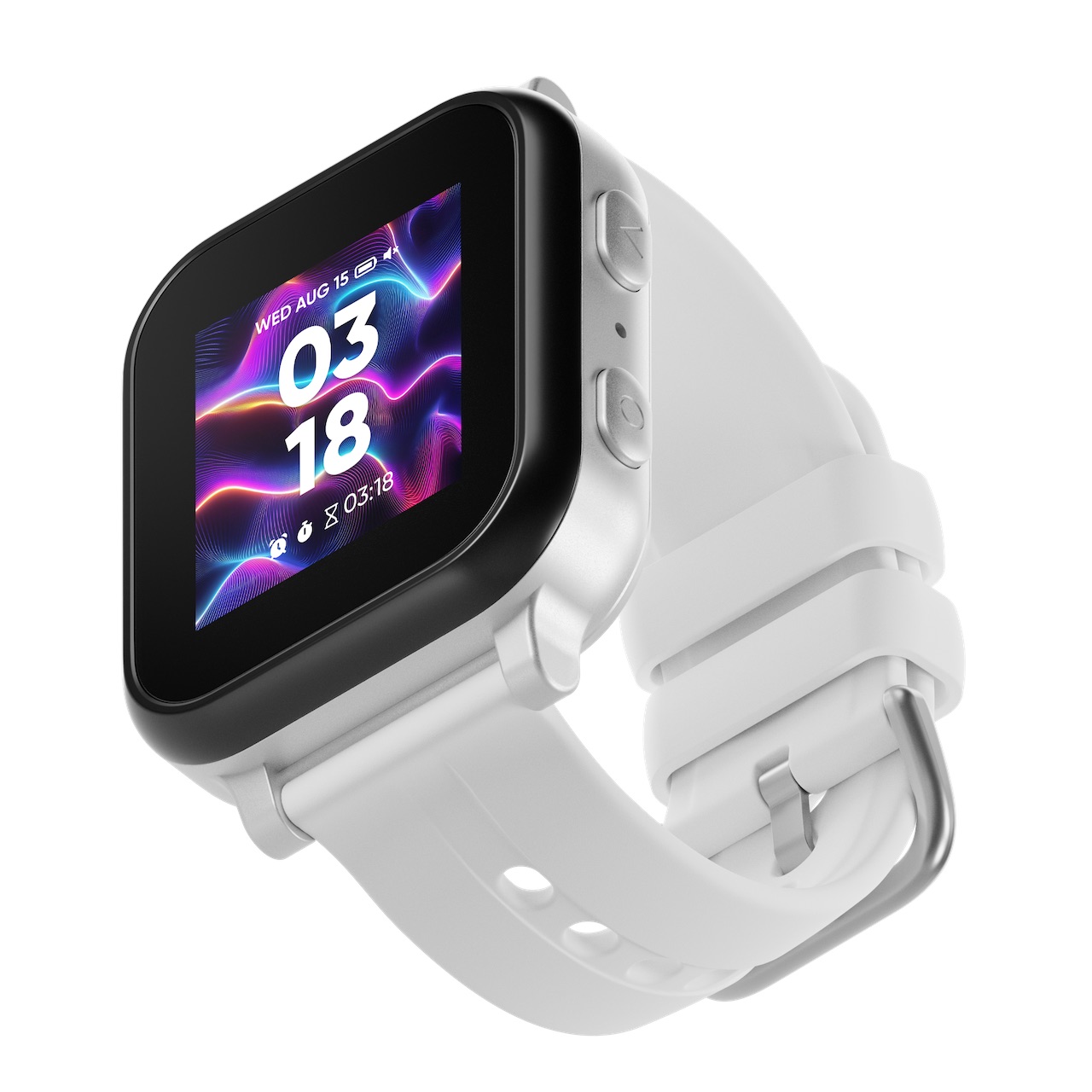
Our hands-on Gabb Watch 3e review covers GPS tracking, wireless charging, battery life, and whether this intentionally simple kids smartwatch is worth buying in 2026.

Our hands-on Bark Watch review covers AI content monitoring, GPS tracking, camera, battery life, and whether the $15/month plan is worth it for safety-focused families.
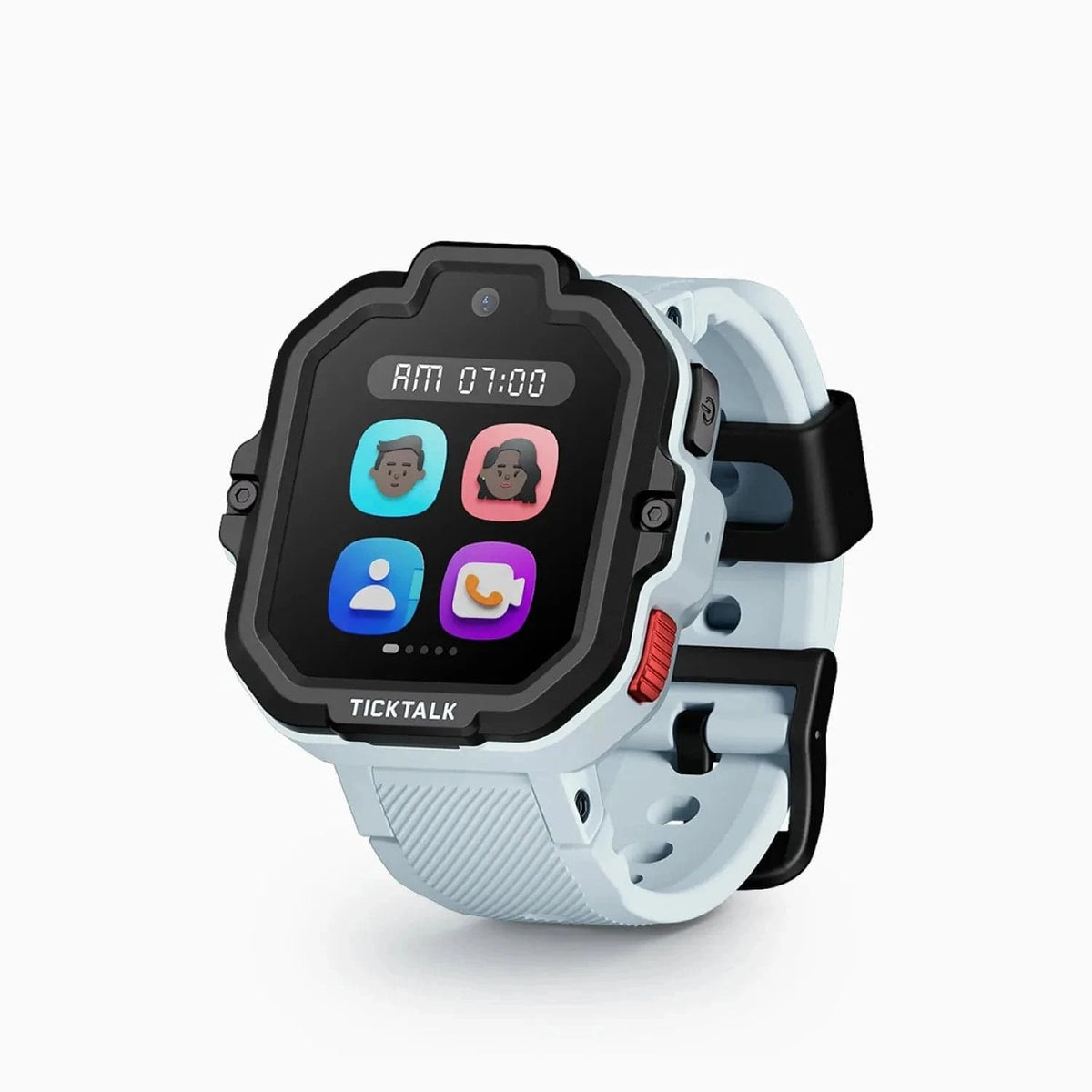
After 10 weeks of real-world testing, here's our honest TickTalk 5 review. AI SmartPin GPS, 48-hour battery, HD video calling, and iHeartRadio — full breakdown inside.
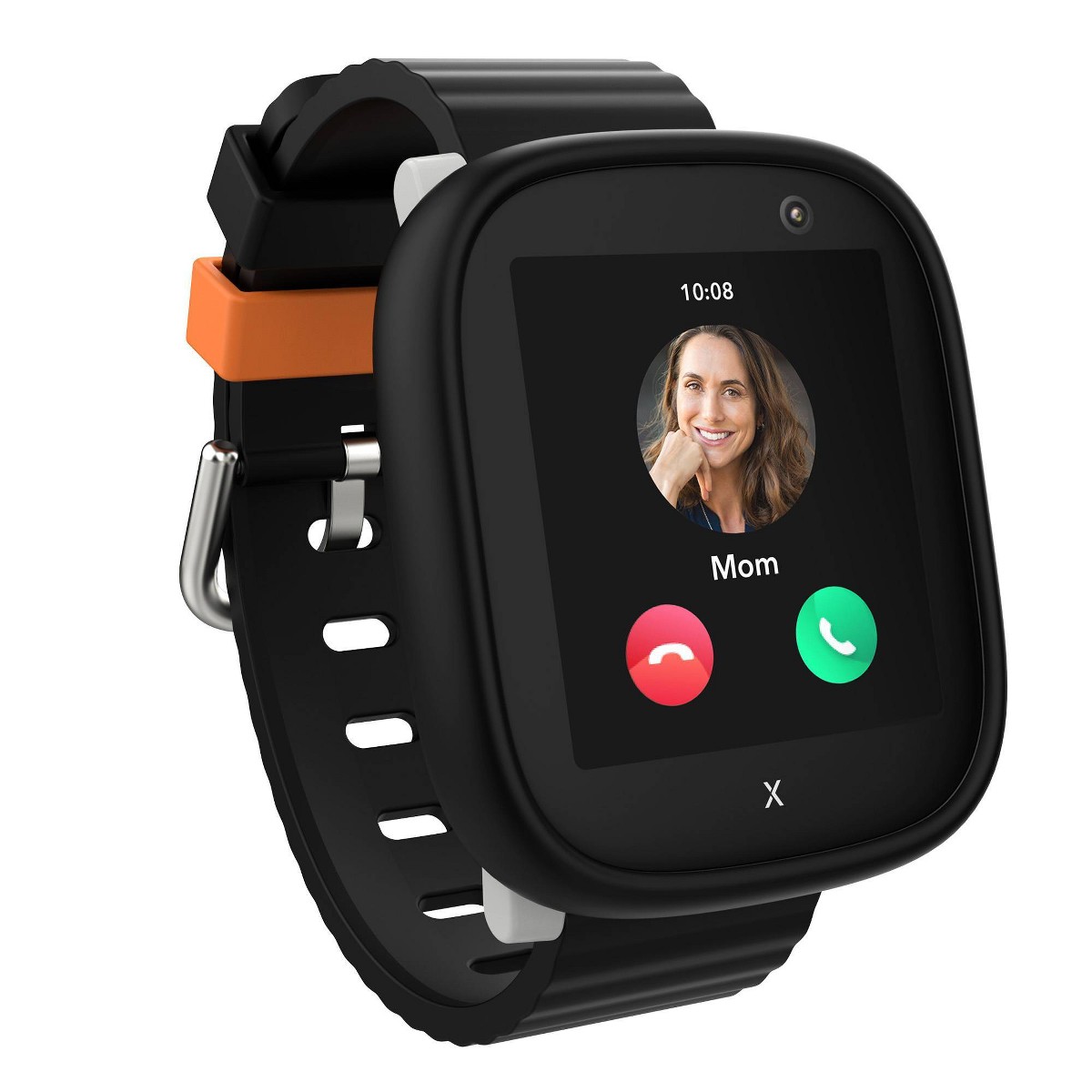
After 8 weeks of daily testing, here's our honest Xplora X6Play review. GPS tracking, 4G calling, camera, and school mode — full breakdown inside.
New review alerts, deal drops, and seasonal buying guides — delivered weekly. No spam, unsubscribe anytime.
No spam. Unsubscribe anytime.